

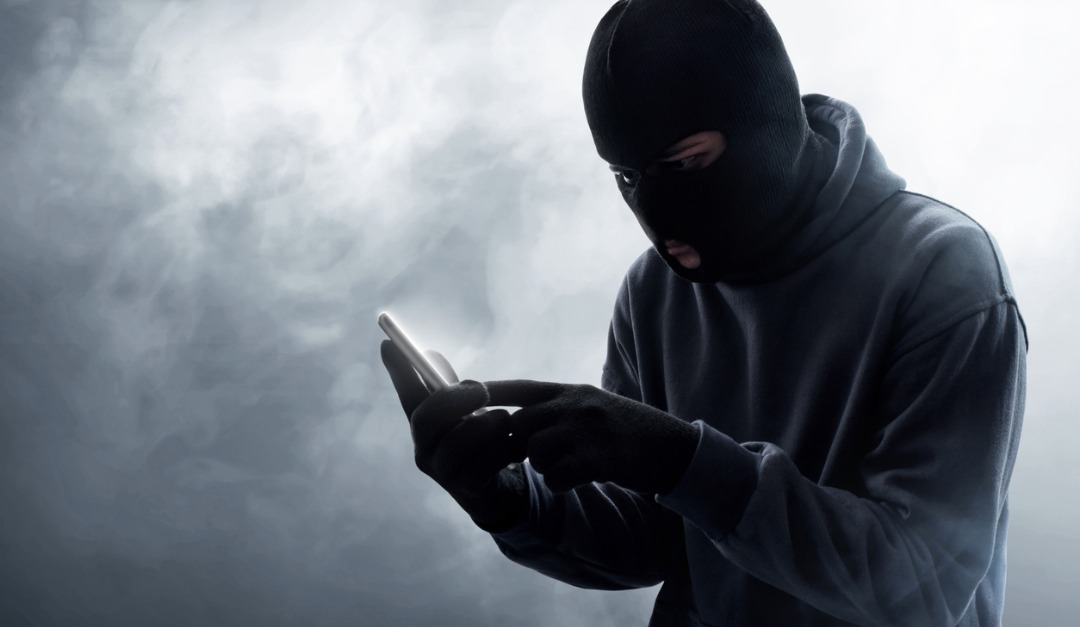
Are Your Social Media Habits Leading Burglars Straight To Your Home?
Even if you aren’t a Kardashian fan, you’re probably painfully aware that Kim, Khloe, Kylie, and the rest of the clan love posting updates on social media about where they are (Paris!), whom they’re with (Bad Bunny!), and (last but definitely not least) how they recently organized their pantry.
But guess what? All of their oversharing on TikTok, Instagram, Snapchat, and other sites does have some serious downsides. Beyond the psychic toll it’s having on their souls, it’s also harming them on a more literal level—by helping burglars break into their homes to rob them blind.
Case in point: Shortly after Kim Kardashian flaunted a $4.49 million engagement ring on Instagram in October, 2016, thieves tracked down her whereabouts in her Paris apartment and made off with the bling. Meanwhile, police have warned younger sister Kylie to stop posting her GPS coordinates on Snapchat, because this could lead strangers straight to her front door. Seems kinda obvious once you mention it!
This danger isn’t limited to reality stars, either. Whether you’ve posted recent vacation pics or a close-up of a pricey gift (“OMG, look what he gave me for Christmas!!”), we’re all sharing a lot of information online that could be leading criminals straight to our homes and valuables.
That’s a scary statistic, no matter how you look at it. Here are three main ways your social media habits might be putting your home security at risk.
Risk No. 1: Including your location in posts
Typically when you post an update on many social media sites, they will ask whether you’d like to include your location in the post. Take X (formally known as Twitter), for instance: If you compose a tweet and hit the location icon, you can choose the city and state you’re currently in, or you can turn on “share precise location,” which will share your exact GPS coordinates.
This is a bad idea: Post while you’re home, and thieves who gain access to this info now have your address. All they need to do now is lie in wait for a later post when you’re away on vacation to know your home is sitting there vacant, ready to be robbed!
Solution:
First things first, make sure your permissions are set so that your posts are viewable only by “friends” and not the public. But even that’s not enough.
“Even with privacy settings in place to limit your posts to friends, if someone in your network gets hacked and compromised, anything you’ve shared with them is likely to be exploited,” says Spencer Coursen, a security expert in New York.
So as an added layer of security, never, ever enable location services for social media sites, and don’t add location tags, either. Also make sure not to post any pictures or statuses about your vacation while you’re away—no matter how tempted you may be to show off your toes in the sand. If you want to share, post those photos later and be sure to remark that they are from a previous vacation.
Risk No. 2: Posting photos of expensive items
Even if you omit your exact location on your Instagram posts, another weak point many aren’t aware of is hiding in the photos. If you take a photo with your iPhone and post it online, it may automatically contain geotags with your exact GPS coordinates. While Facebook, Instagram, and Twitter strip out location data from photos, other sites do not.
The upshot? A thief could easily download the photo you took of, say, your awesome new jewelry or flat-screen TV, and use a tool to pinpoint the address where your prized possessions are hiding.
Solution:
The safest option, of course, is to simply avoid posting pictures of any valuables on social media sites, even if they’re just in the background. You also have the option to disable your phone from adding GPS location information to pictures as well.
Risk No. 3: Adding your hometown, birthdate, and other details to your profile
Even if your exact home address isn’t listed in your updates or photos, is your profile on Twitter or Facebook filled with details about your life such as your hometown, current city, workplace, and birthdate? Most are, but all of that info along with other publicly available research tools on the internet—sites like Intelius or Spokeo—make it pretty darn easy for robbers to find out exactly where you live.
Solution:
Keep your personal information—birthdate, hometown, and other details—off social media profiles. Even setting personal information to be viewable only by “friends” can be potentially dangerous.
“A burglar could simply create a fake profile to try to induce a user to add them as a friend so that they could then view that personal information,” says Shawn Davis, director of digital forensics at Edelson PC Law Firm in Chicago.
Overall, the resounding advice is to post as little as possible about where you are and what valuables you might have lying around your home.
“In the industry, we refer to this as ‘security via obscurity,’ which means not disclosing facts that would bring unwanted attention,” says Robert Siciliano, an identity theft expert in Boston. “The Kardashians violate that rule quite often.”
The bottom line: Be less like a Kardashian. How hard is that?


0 comments
Write a comment